Statuses
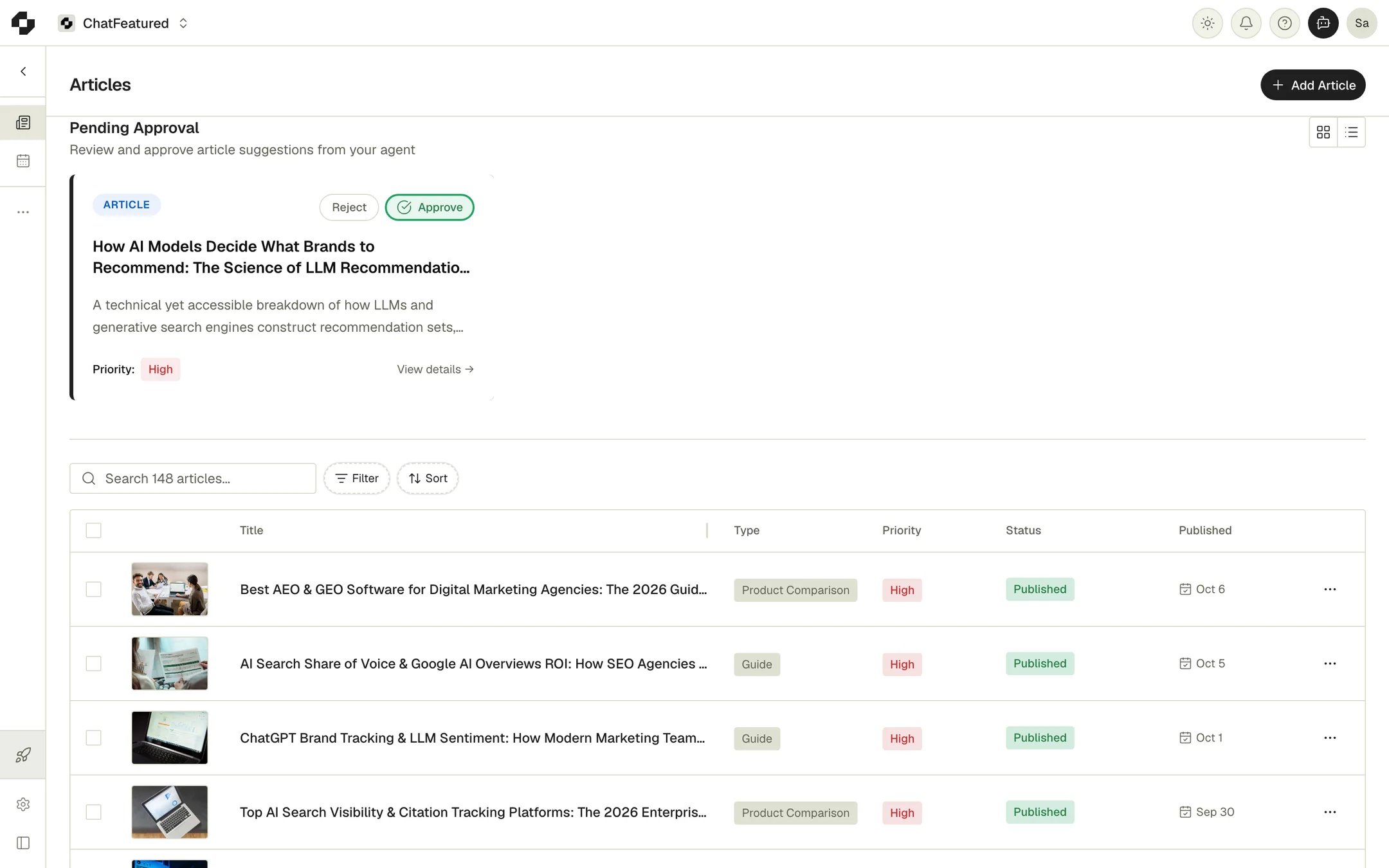
The usual path is Pending, Writing, Review, then Scheduled or Published. Awaiting Approval and Approved are optional, for teams that sign off before publishing.
To change status yourself, click the status badge in the editor. To edit a locked article again, set it back to Review there. When an article is Awaiting Approval, a Mark as Approved button appears in the editor.
Get article ideas
On the Articles page, click Add Article and pick one:- Suggest articles: the agent analyzes your AI search performance and suggests articles.
- Based on topics or prompts: pick topics or tracked prompts, then click Suggest Articles.
- “I have a content idea”: describe your idea and the agent shapes it into a suggestion.
- Start from scratch: name the article and write it yourself in a blank draft. This doesn’t use an article credit.
- Research: research the topic on the web before writing, skipping your disallowed domains. On by default.
- Knowledge Base: give the writer your Knowledge Base as brand context. On by default when you have documents, and you can narrow it to specific documents or folders.
Approve ideas and article credits
Click Approve on a pending idea, or select several and approve them together. Writing starts right away, using your research, brand book, target keywords and writing guidelines. When it’s done the article moves to Review and the person who approved it gets an “Article Ready for Review” notification. If writing fails, the article moves to Error; click Retry in its menu. Each approved article uses one article credit from your monthly allowance:
The allowance resets with your billing cycle. If you approve more articles than you have credits left, nothing is approved and you see a message like “You can only generate 2 more article(s) this month, but tried to approve 4.” When you’re out, the Approve buttons are disabled. Archiving or deleting an article doesn’t refund its credit, and a retry doesn’t use another one.
Edit an article
Click an article to open the editor. While it’s Draft or Review, you can edit the title, body, Meta Description and Excerpt. Changes save automatically.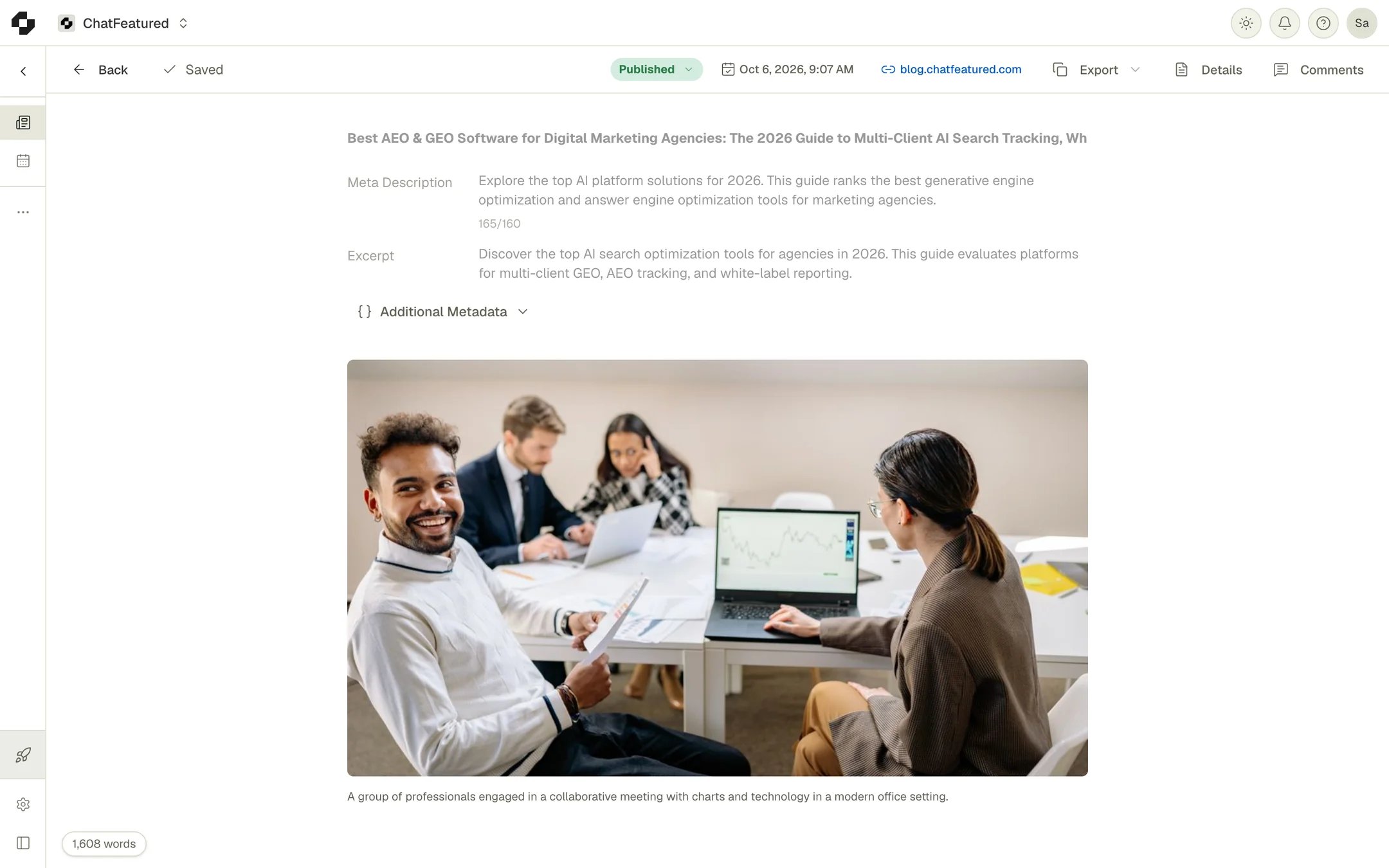
- Export: copy the article as HTML, rich text or Markdown, or download a DOCX.
- AI Editor: an editing agent that suggests changes you accept or reject. See The AI Editor.
- Comments: comment threads on the text.
Featured images
The featured image sits above the article body. You can:- Add featured image: pick a free stock photo from Pexels.
- Upload your own: JPG, PNG, GIF or WebP, under 10 MB.
- Generate with AI: write the image prompt from the article (Auto from article) or your own description (Custom prompt), pick a model, and click Generate image.
Earlier generations stay in the panel’s history. Pick one and click Use as featured image to switch back without spending a token.
Publish
Articles in Draft, Review or Approved show a Publish button in the editor, and the article’s menu in the Articles list has Publish and Schedule for each connected destination. With one CMS connected, publishing goes straight to it. With several, you pick one. With none, Mark as Published records the article as published without sending it anywhere. You can publish to WordPress, Webflow, Ghost, HubSpot, Wix, Sanity, Framer, Shopify, the Git-based CMS, or the built-in ChatFeatured CMS. Each integration’s page covers its field mapping. Once an article is Published, the editor shows its live URL. Click it to edit Live URLs, one row per place the article is published, including cross-posts like LinkedIn. All of them count toward citation tracking. If you’ve set up Index Submissions, a newly published URL is submitted right away. If you publish somewhere ChatFeatured doesn’t connect to, copy the article out with Export, publish it yourself, then mark it Published and add the live URL.Schedule
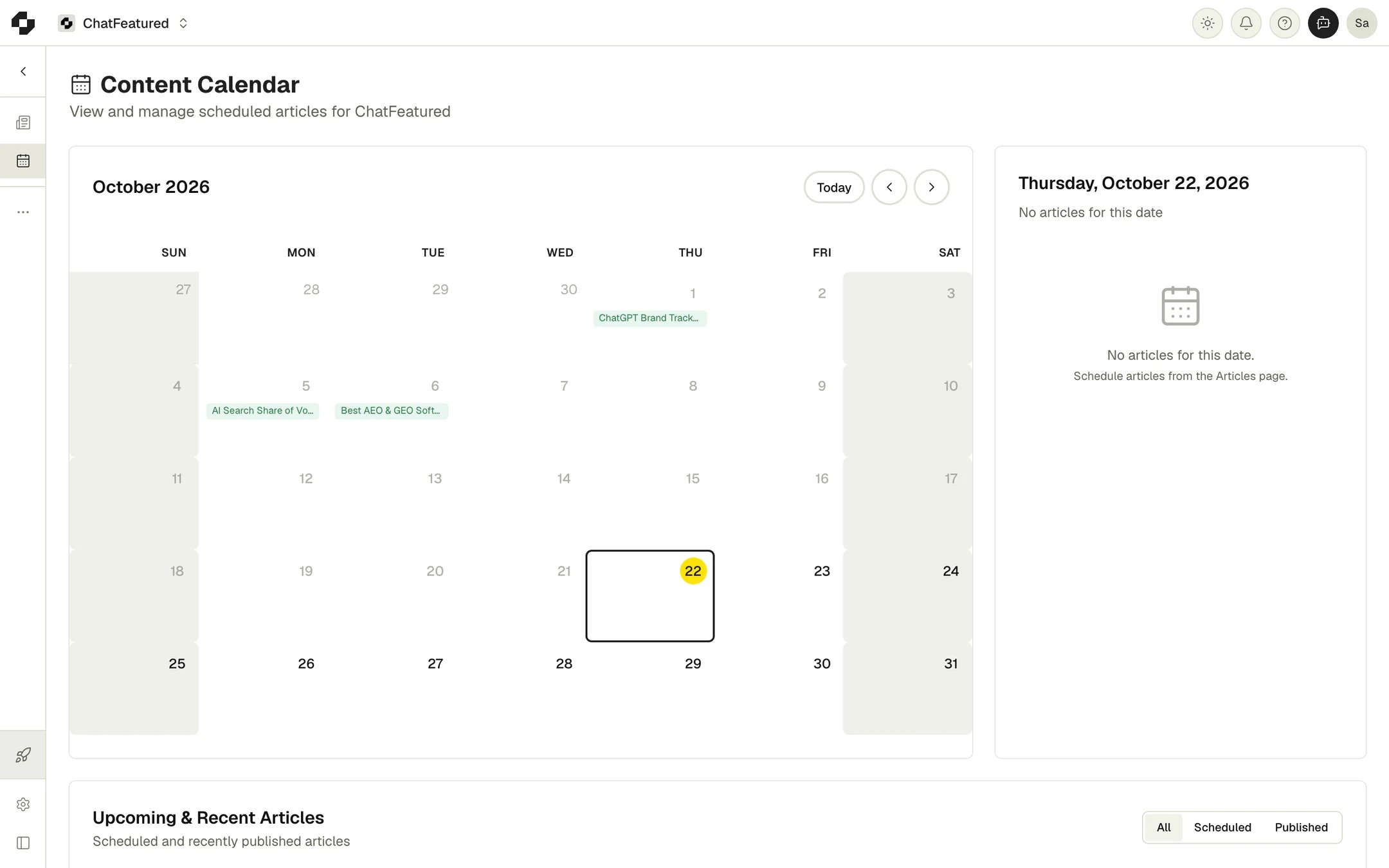
Use Schedule in the editor to publish at a set date and time in your timezone. It lists your connected destinations. With no CMS connected, Schedule Manually marks the article Published at that time without sending it anywhere. Framer articles go live at your first sync in Framer after the scheduled time. To change a schedule, use Reschedule or Cancel Schedule in the editor, the article’s menu, or the Content Calendar. The change reaches your CMS too: a rescheduled article moves to the new time, and a cancelled one returns to Review. If ChatFeatured can’t publish a scheduled article, it goes back to Review and you’re notified.Content Calendar
Content Hub > Content Calendar shows a month grid of your scheduled and published articles. Click a date to list its articles. The Upcoming & Recent Articles list beside it filters by All, Scheduled or Published. Scheduled articles have Reschedule and Cancel in their menu. To schedule a new article, use the Articles page or the editor.