

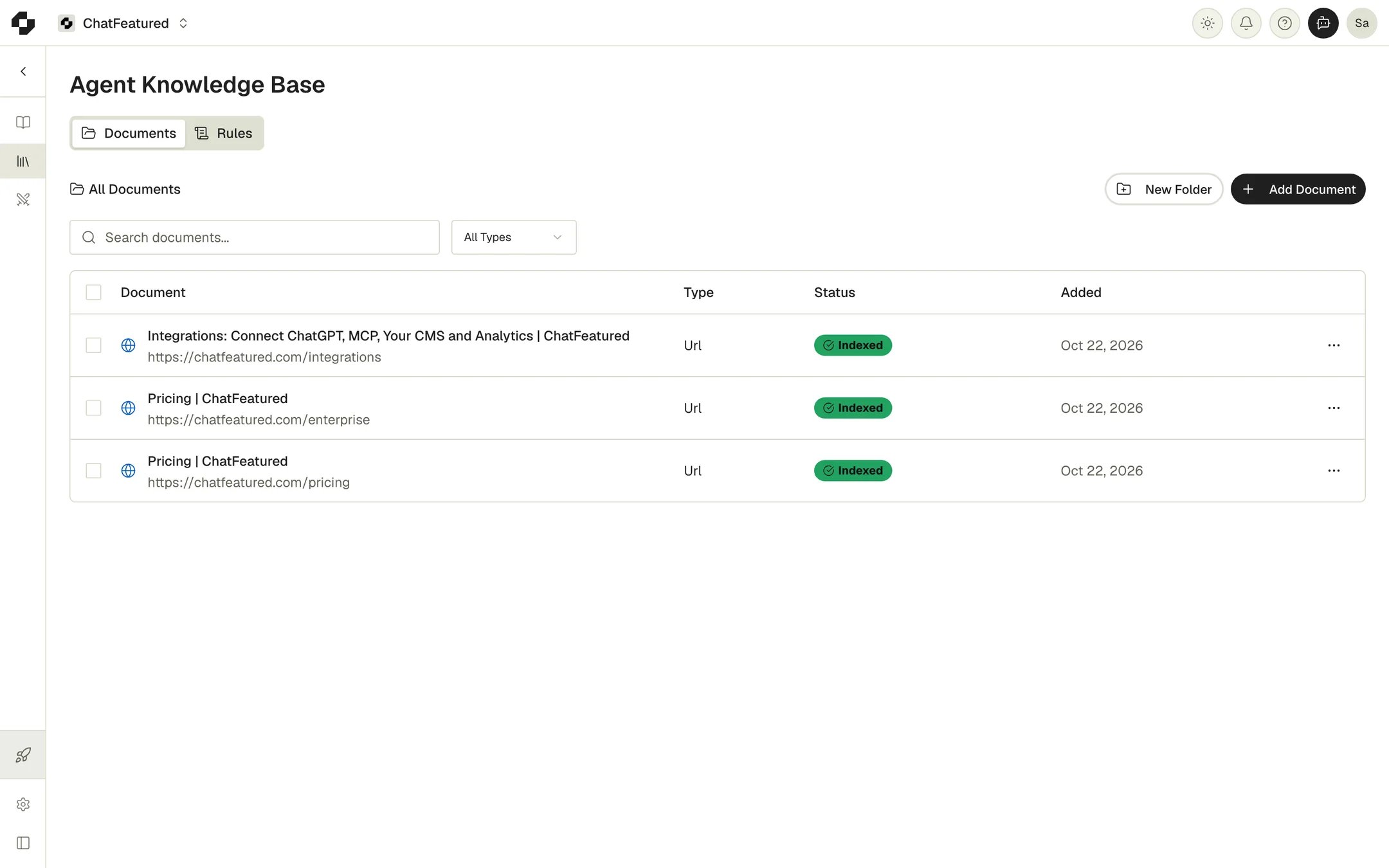
What it’s used for
- Article writing. The knowledge base is the source of truth for facts about your company, such as pricing, certifications, customers and product capabilities. If web research disagrees with your documents, the writer goes with your documents. If your documents don’t support a claim about your company, the writer leaves it out.
- The agent. In Chat, the agent reads your documents when you ask about your own company or mention a document.
- The article editor. In the editor’s agent panel, type
@to pull in a document or a whole folder.
Add documents
Click Add Document. The dialog has three tabs.- File
- URL
- Text
Drag files onto the drop zone or click it to pick them, then click Add File. You can also drop files anywhere on the Documents tab.Supported formats:
epub, pdf, docx, txt, html, md. Up to 21 MB each.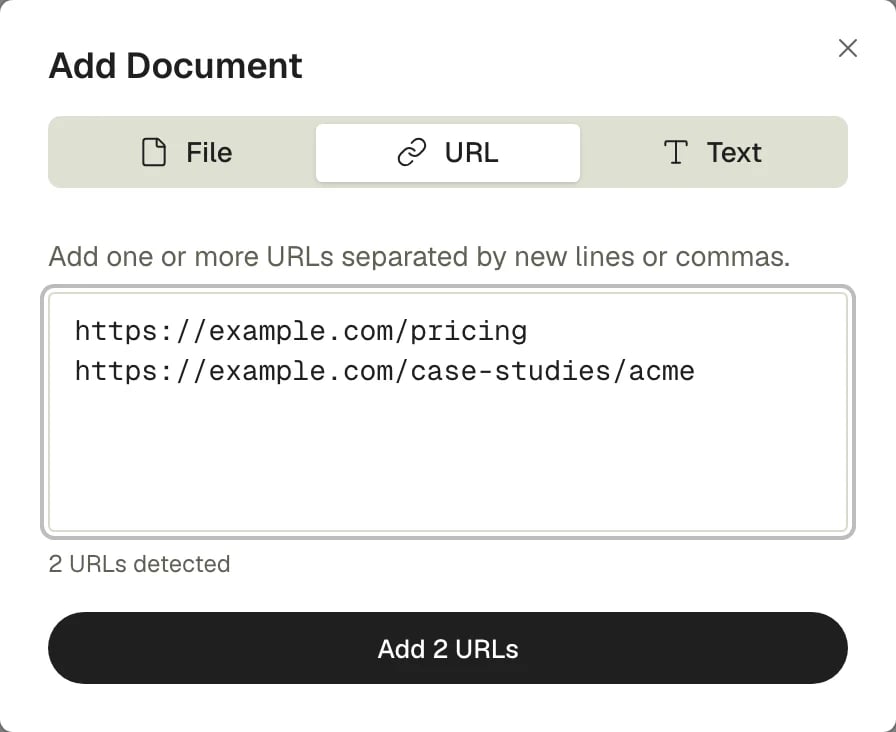
Organize documents
Search the Documents tab by name, or filter by type (Files, URLs, Text).- New Folder creates a folder. Use the pencil icon on a folder to rename it.
- Move to folder, in a document’s ⋯ menu, moves it into a folder or back to No folder. Select several documents to move or delete them together.
- Click the pencil next to a document’s title to rename it. You can’t edit a document’s content after it’s added. To change it, delete it and add the new version.
Choose what an article uses
By default, an article uses your whole knowledge base. To narrow it, open the article idea before you approve it. Under Knowledge Base (Help the writing agent with brand context):- The Enabled / Disabled switch turns the knowledge base on or off for this article.
- Select documents or folders to focus on… picks specific documents or folders.