

Where to find it
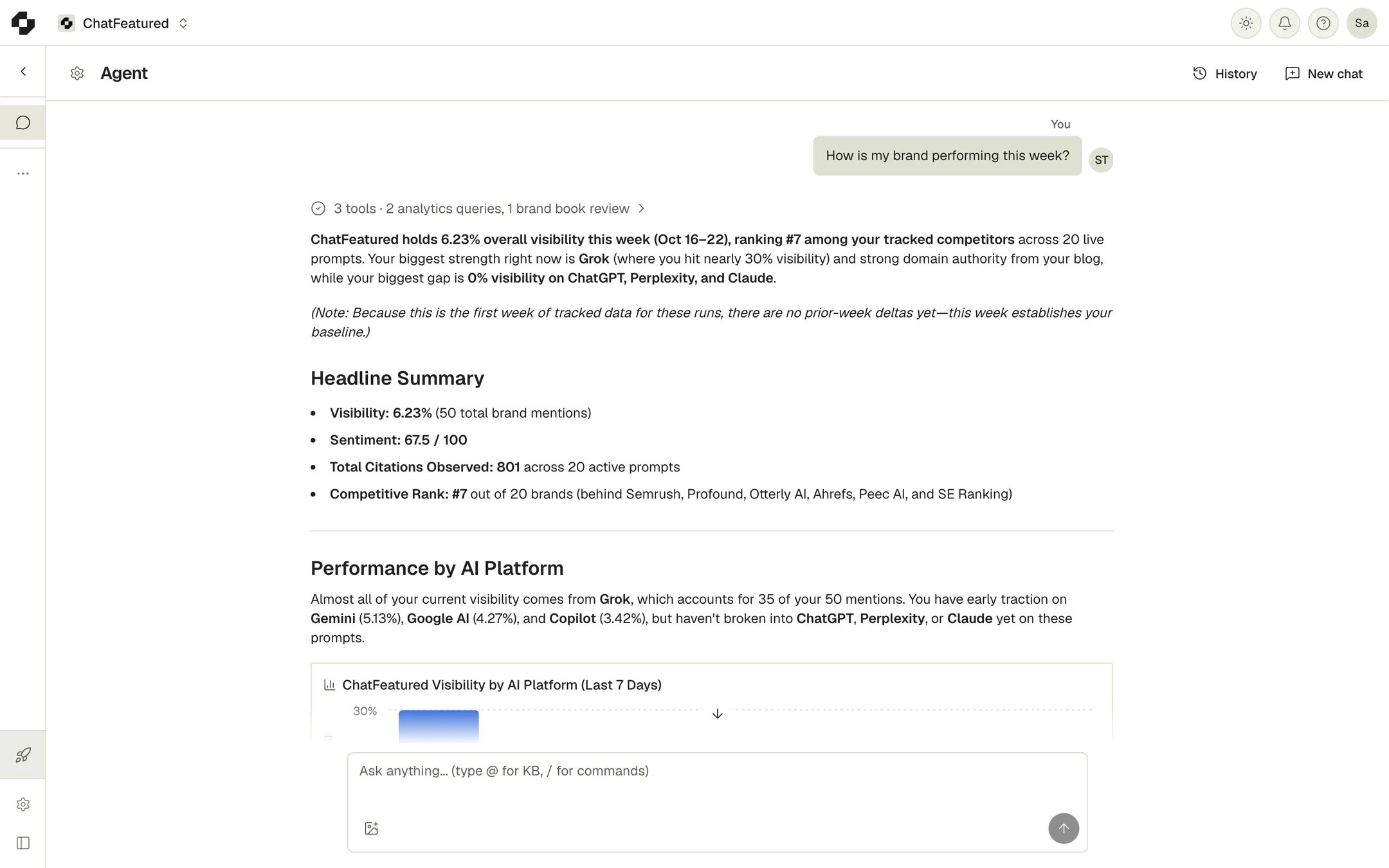
- Full page: in the sidebar, open Agent > Chat.
- Side panel: on any other page, click Agent chat in the top bar, or press Cmd+J (Ctrl+J on Windows).
What the agent works on
The agent picks the right area from what you ask. You don’t choose a mode, and the conversation carries over when it switches.
It covers the same 7 AI engines as the rest of ChatFeatured. It can also read your brand book and Knowledge Base, search the web, and read a page you link.
Chatting with the agent
- Type
@to attach Knowledge Base documents or folders. The agent reads those first. - Type
/for New chat and Clear chat. - For anything longer than 15,000 characters, upload it to the Knowledge Base and
@it instead.
What it can change
The agent doesn’t only recommend. When you ask, it makes the change directly. It can:- Create, edit, pause and resume tracked prompts, and attach keywords to them
- Edit the brand book and personas
- Add, edit and remove competitors, and add and research keywords
- Save article ideas, edit an article’s title and details, and approve ideas (which starts writing and uses article credits)
- Archive, restore and permanently delete articles
- Schedule, reschedule or cancel an article, publish it to a connected CMS, and set a featured image
- Add opportunities to your task list and update task status
- Create, change, pause, run or delete automations
Opportunities
When you ask what to do next, or it finds an earned-media opening (a high-authority publication you could get cited on), it surfaces an opportunity. On the full Agent page these collect in the Opportunities panel on the right; in the side panel they appear as cards in the conversation. Each card shows a type (Content, Earned Media, UGC or Sentiment) and a title. Expand it for what the agent found, why it matters and the recommended action. Nothing is saved until you click Add to Tasks or ask the agent to add it. The button then changes to View Task, which opens it on the Tasks page.Configure the agent
Agent settings sit under Agent > Configure in the sidebar: Guidelines, Research, Memory and History.Guidelines
Writing guidelines are standing rules for every article written or edited for this project: tone, wording, things to always include or never say. The article writer, the AI Editor and the chat agent all follow them. Click Save guidelines to save.Research
Disallowed domains are sites the agent must not use as sources for this project. They’re left out of every web search the agent runs, including the research before an article is written, and won’t be cited in articles. Add the root domain (example.com); subdomains are covered. Add N competitor domains adds your competitors’ domains in one click.
Memory
When you state a standing preference in chat, such as “stop suggesting Reddit”, the agent saves it to memory and applies it later. Say “remember this” to make sure it saves. Memory has three levels: Organization (every project in the workspace), This project (shown with the project’s name) and You (how the agent works with you personally). You can edit or delete entries, or click Add to write one yourself.History
Interaction history is the agent’s record of what it has done in this project: scheduled runs, opportunities it surfaced or added, emails it sent, memory changes. It can’t be edited.The AI Editor
Inside an article, click AI Editor in the toolbar to open the editing agent beside the text. Select text first to scope the edit to that passage. Its changes appear as suggestions you Accept or Reject, one at a time or with Accept all / Reject all. It follows your writing guidelines, and you can type@ to point it at Knowledge Base documents.
The AI Editor works only while the article can be edited. Articles that are Awaiting Approval, Approved, Scheduled, Published or Archived are locked. See Articles.